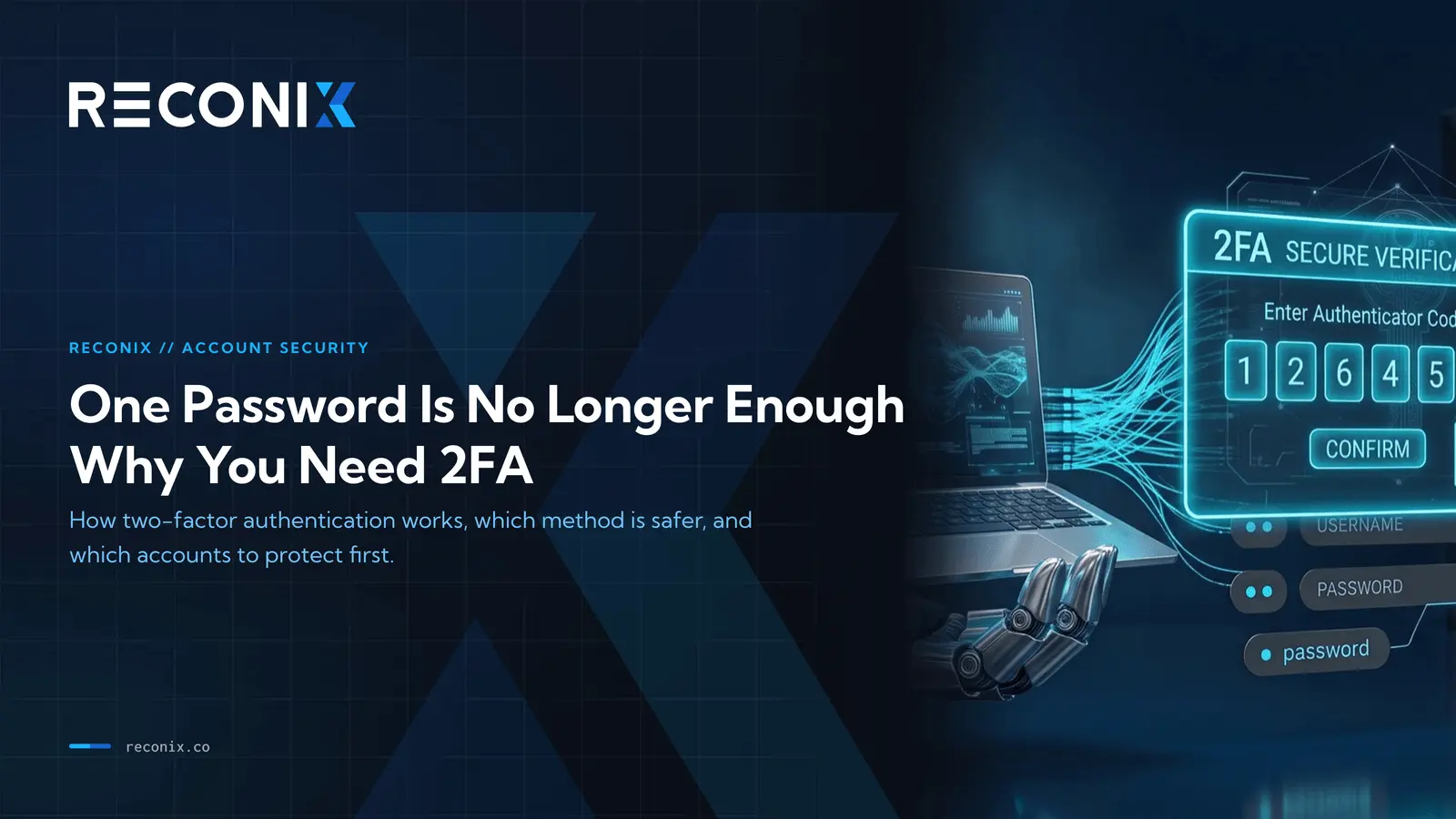
One Password Is No Longer Enough: Why You Need 2FA
You have probably seen this while logging into an app: "Enter the 6-digit code sent to your phone." That is 2FA at work. Many people find it annoying, one more code to type. But that extra step is what stands between your account and someone who wants to steal your data or your money.
This post explains what 2FA is, how it works, and how much it actually protects you, even on the day your password has already leaked.
What 2FA is
2FA stands for two-factor authentication.
Normally you log in with a password alone. That is a single factor. The problem is that if your password leaks, anyone who has it can get into your account right away.
2FA adds a second factor. The idea is that good identity checks come from two different things:
- Something you know, like a password.
- Something you have, like your phone, which receives a verification code.
When both are required, someone who only knows your password still cannot get in, because they do not have your phone in their hand.
Why a password alone is not enough
Many people believe a well-chosen password should be safe. In reality, passwords leak in several ways without you noticing.
- A site you signed up for gets breached, and its password database spills.
- You type your password into a fake page that looks like the real one.
- You reuse the same password across sites, so one leak exposes all of them.
- Malware on an infected machine records what you type.
The key point is that you usually have no idea your password has leaked until someone uses it to get into your account. This is where 2FA helps. Even if the password is gone, the attacker still hits the second wall.
The types of 2FA, and which is safer
Three main types show up often, and they are not equally safe.
1. SMS OTP codes
The service texts you a 6-digit code to enter. This is the easiest and most common form.
The upside is convenience, nothing to install. The downside is that it is the least safe of the three, because SMS can be intercepted or talked out of you. Some scammers call and trick you into reading your OTP aloud, then log in as you.
Remember: no real support agent asks you for your OTP. If someone asks, they are a scammer.
2. Authenticator apps
Google Authenticator or Microsoft Authenticator, for example. These generate a 6-digit code that changes every 30 seconds, right on your device.
This is safer than SMS because the code is generated on your device and never travels over the mobile network where it could be intercepted. It works even with no internet connection. The trade-off is that you install the app and set it up once.
3. Hardware security keys
A small device you plug in or tap to verify. This is the safest option, but you have to buy the device, and it suits people who need strong protection, like system administrators or executives.
Which one to pick
If you have the choice, use an authenticator app instead of SMS. But if a service only offers SMS, turning on SMS 2FA still beats turning on nothing.
How much 2FA actually helps
Picture a real situation. Say your email password leaks along with the data from a site that got breached.
Without 2FA, the attacker logs in immediately, reads your email and photos, and may use that email to reset the passwords of your other accounts.
With 2FA turned on, once the attacker types the right password, the system asks for the second code, which is on your phone. The attacker does not have your phone, so they are stuck. You usually get an alert that someone is trying to get in, which tells you to change your password in time.
2FA does not mean 100 percent safe. No control blocks everything. But it makes breaking into your account much harder, hard enough that most attackers move on to an easier target.
Which accounts to turn 2FA on for
If you have never turned it on, start with the accounts that matter most.
- Your primary email, because it is the key that resets the passwords of almost every other account.
- Banking apps and anything tied to money.
- Social media that holds personal data or that you use to reach other people.
- Accounts that store work data or important files.
What to know before you start
Set up these two things before you turn on 2FA so you do not lock yourself out.
- Keep your backup codes. Most services give you a set of backup codes when you enable 2FA. Save them somewhere safe and use them if you lose your phone.
- Plan for a new phone. If you use an authenticator app, look up how to move it to a new device ahead of time so switching phones is not a headache.
Passkeys, the option that beats codes
If a service or account you use supports passkeys, turn one on. It is easier to use than a code, and it closes the weakness that OTP codes still have.
Passkeys are the newest way to log in, and the difference is simple: there is no code to phish. A passkey is a cryptographic key stored on your phone or laptop, unlocked with your fingerprint, face, or device PIN. When you sign in, your device proves it holds the key without ever sending a secret an attacker could reuse.
Two things make passkeys stronger than an authenticator app:
- Nothing to read aloud or type. A scammer cannot call and talk a passkey out of you, and a fake login page cannot capture one, because a passkey only works on the real site it was created for.
- The secret never leaves your device. There is no shared code traveling over the network or SMS.
Google, Apple, Microsoft, and a growing list of banks and social apps already support passkeys, and you can keep an authenticator app as a backup for the services that do not support them yet.
Enable it now
Spend a few minutes turning on 2FA for your email and banking apps, and if you have the choice, use an authenticator app instead of SMS, or a passkey where the service supports one. It is one of the best small investments you can make for your security.
For organizations, turning on 2FA is only the start. OTP theft and phishing still work against people. The Reconix team helps you measure that risk with phishing simulation and security awareness training, so your staff recognizes the trick before the real one arrives.